Mouse jiggler in a plasma globe
A Raspberry Pi Pico W hidden inside a plasma globe, rewired to USB and capped with a printed base so it passes for a desk toy. It nudges the mouse so the machine never locks, and it is a reminder to think before plugging unknown USB devices into your computer.
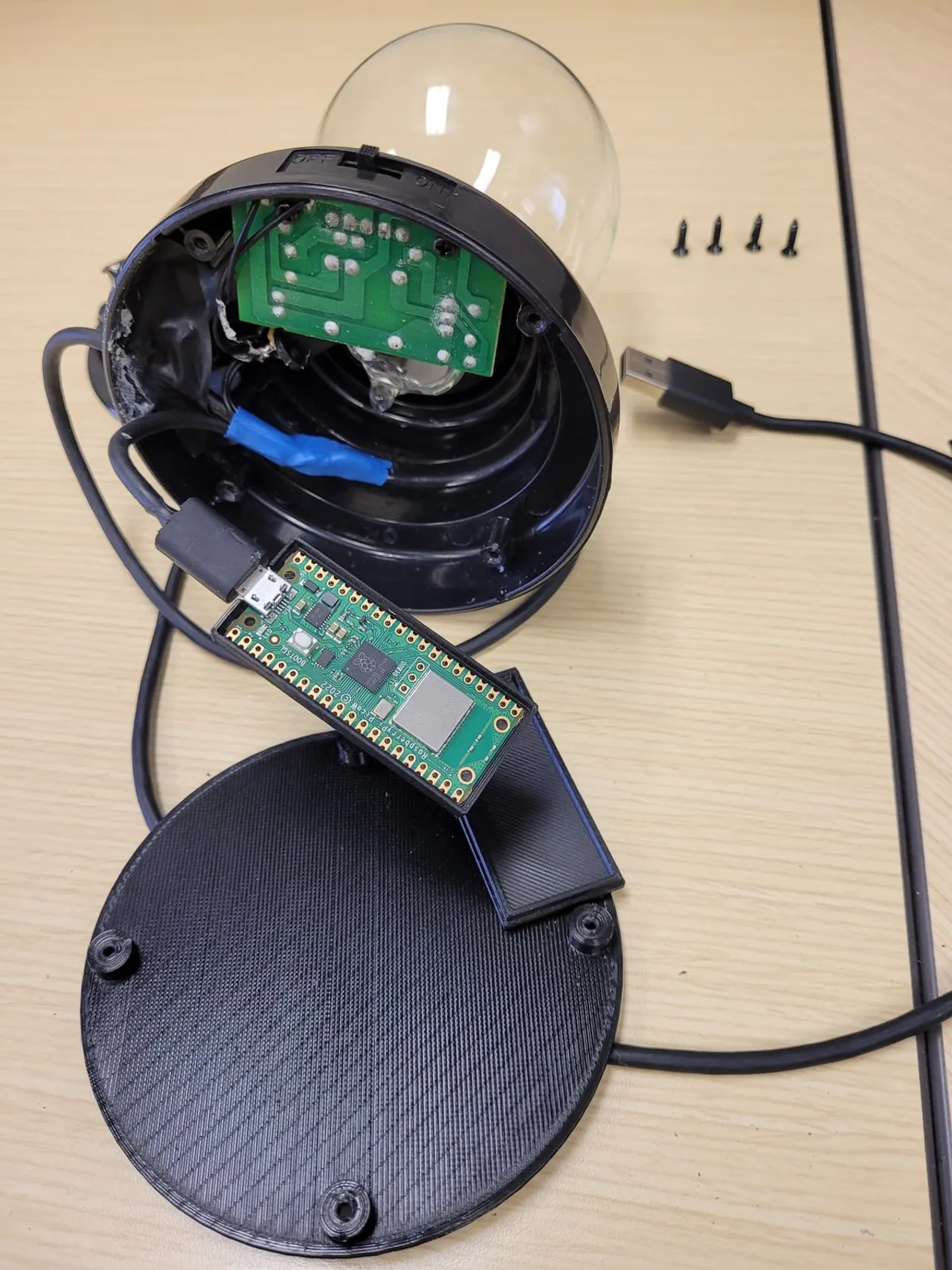
It really is a plasma globe: the lamp and driver are left intact, rewired to run from USB instead of the original batteries. Tucked into the base is a Raspberry Pi Pico W that the computer sees as a USB mouse. Plug it in and every so often it nudges the cursor a few pixels, so the machine never idles or locks. Harmless on its own. The point is the lesson underneath it: a USB device can be anything, and the case it comes in tells you nothing.
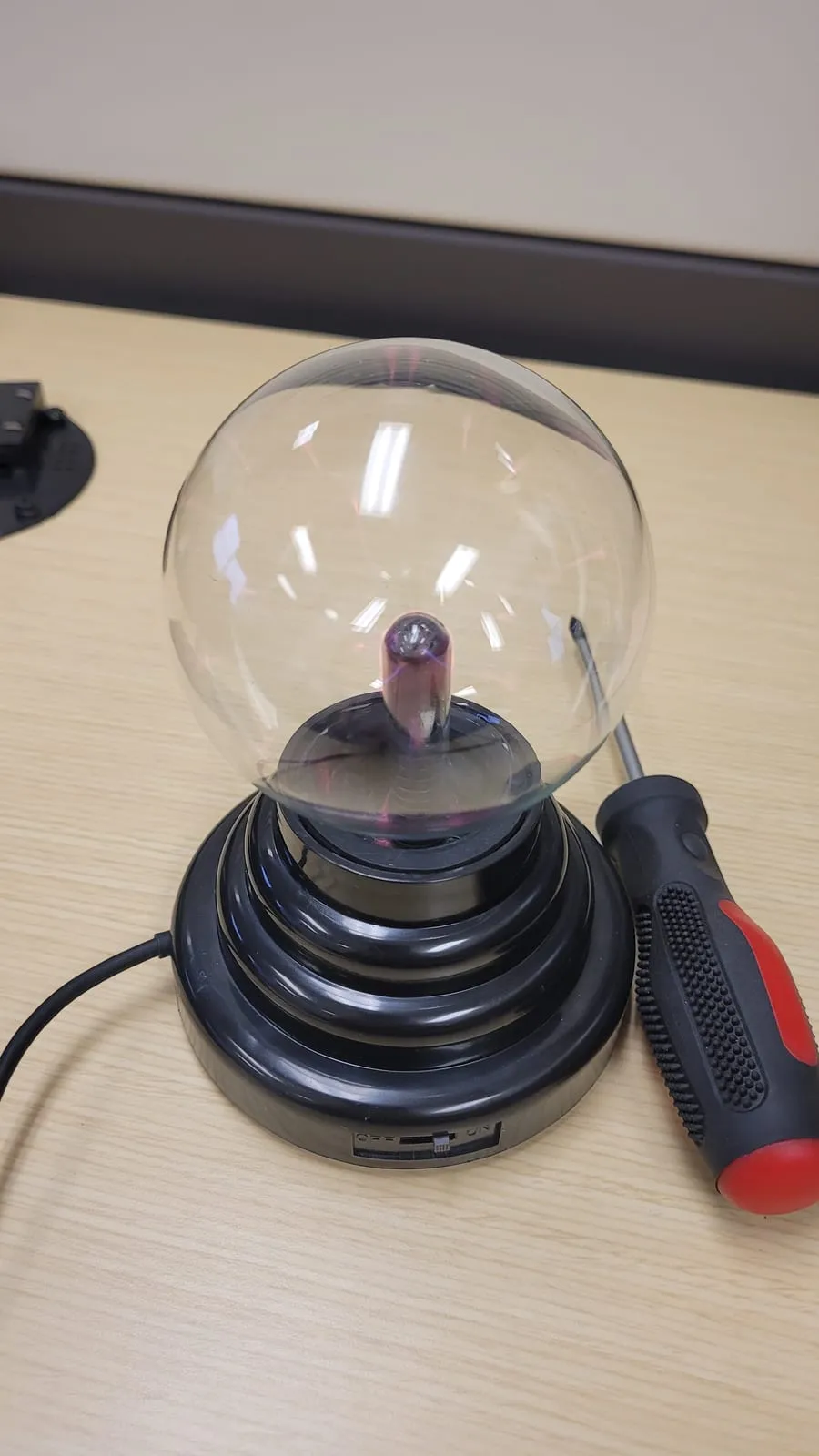
The build
The globe was battery-powered, so most of the work was mechanical:
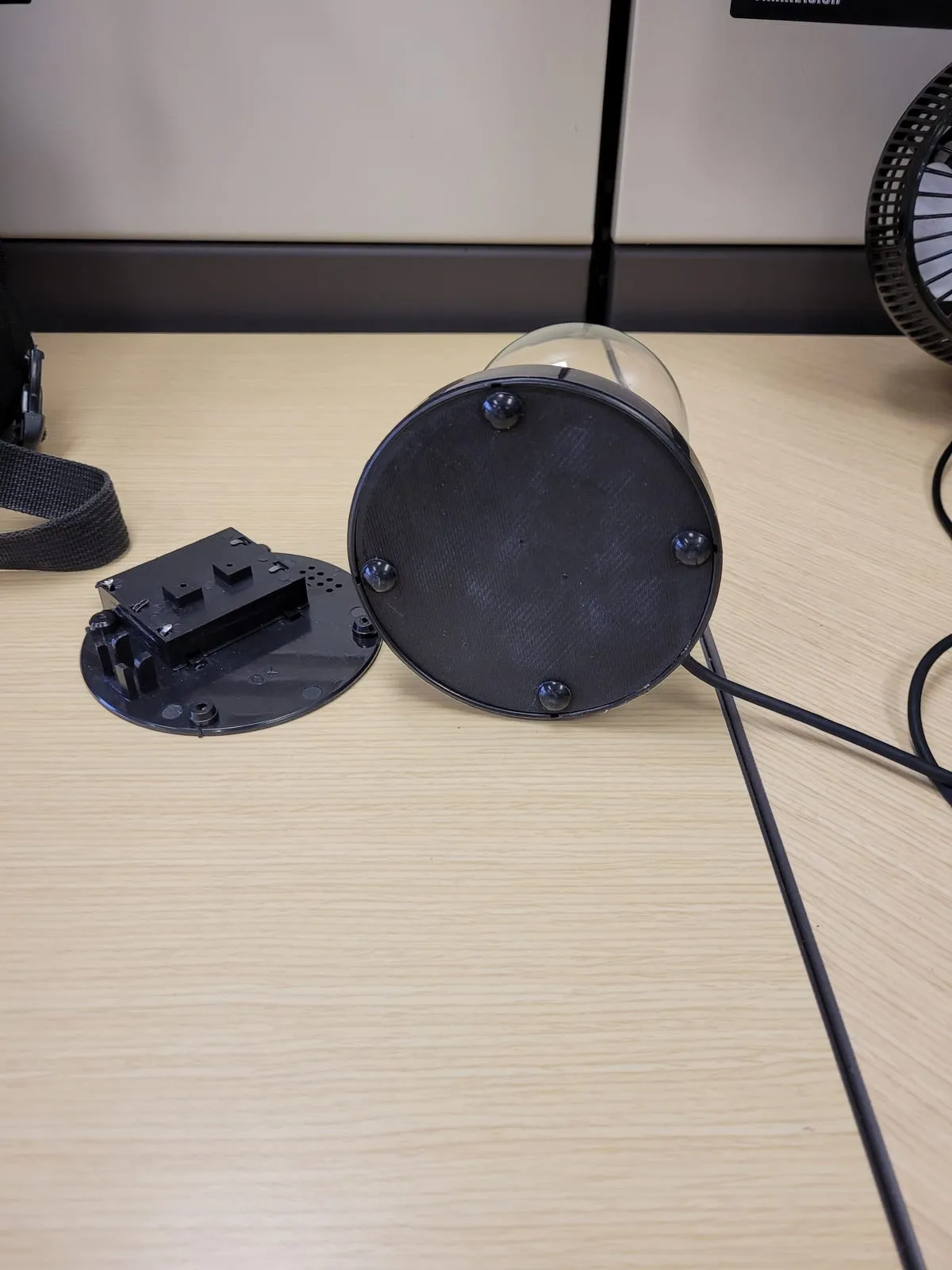
- Open the base and fit a Pico W on a printed bracket, powered off the same USB lead that runs the globe.
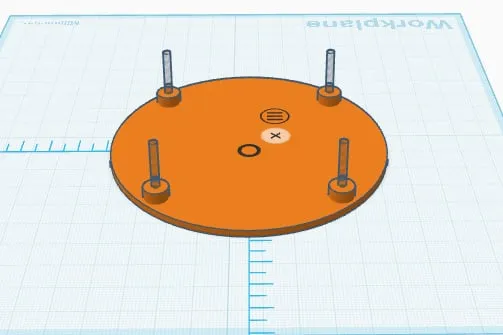
- Print a replacement bottom plate to match the original, with feet and a slot for the cable, so the underside looks stock.
- Close it up. From the outside it is a plasma globe with a USB cable, which is the point.
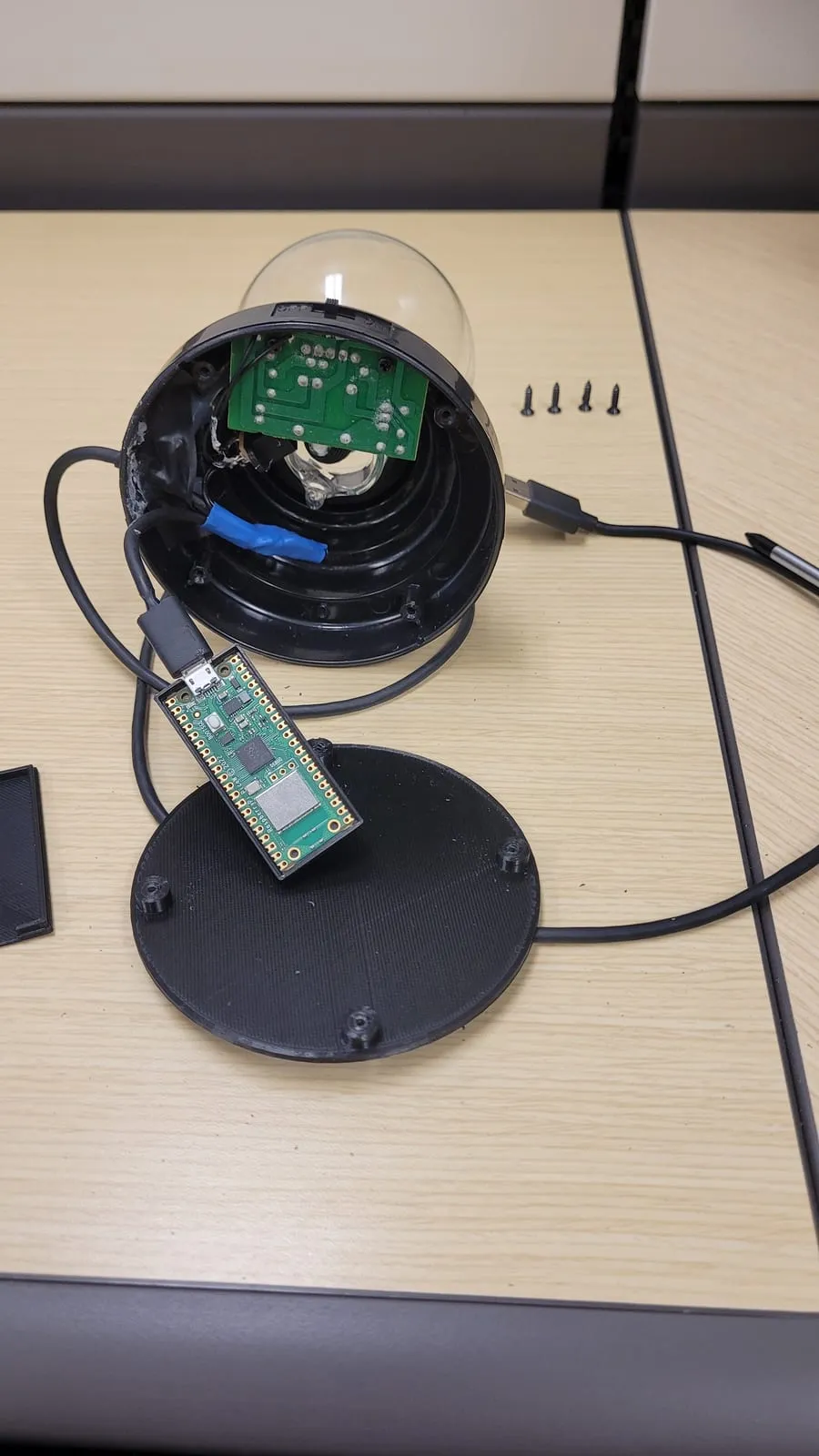
Nobody looks twice at a desk toy. The disguise is the whole trick.
How it works
The Pico runs CircuitPython, which lets it present itself to the host as a standard USB HID mouse. The whole program nudges the cursor a few pixels left, right, up, then down, half a second apart, looping forever so the session never goes idle:
import usb_hid
from adafruit_hid.mouse import Mouse
from time import sleep

m = Mouse(usb_hid.devices)

while True:
    m.move(-5, 0, 0)
    sleep(0.5)
    m.move(5, 0, 0)
    sleep(0.5)
    m.move(0, -5, 0)
    sleep(0.5)
    m.move(0, 5, 0)
    sleep(0.5)
A second file, boot.py, runs before code.py and hides the Pico’s own USB drive, so the host sees only a mouse and never an editable storage device:
import storage
storage.disable_usb_drive()
That is also the catch: with boot.py in place the CIRCUITPY drive stops appearing, so to edit the code again you boot CircuitPython into safe mode (which skips boot.py and remounts the drive); reflashing via BOOTSEL is the last resort, since it wipes the board.
Setup is file copying, no toolchain. I followed this Instructables guide:
- Hold BOOTSEL and plug the Pico in. It mounts as a drive called
RPI-RP2. - Copy the CircuitPython
.uf2onto it. It reboots as a drive calledCIRCUITPY. - Drop the
adafruit_hidlibrary into thelib/folder. - Save the two files as
code.pyandboot.py. On the next power-up it comes up as a plain mouse and starts moving.
Why bother
This is the friendly version of an old trick. The malicious one swaps the mouse for a keyboard that types its own commands the instant it is plugged in (a “BadUSB” or Rubber Ducky attack), and the few seconds before anyone notices is plenty.
I built it after watching Google’s Hacking Google series, specifically the Red Team episode. In 2012, to get at the Google Glass designs, their red team sent employees USB plasma globes loaded with malware, dressed up as a work-anniversary gift: “Congratulations on your anniversary for working at Google. Here is a small gift.” Plugging one in flashed a window for a fraction of a second while it typed a backdoor onto the machine. The handful of people who fell for it had nothing to do with Glass; the globe was just the first link in a chain that ended with the team pulling the blueprints. The plasma globe here is a nod to that story.
Google’s own fix is the tell for why this matters: they wrote software that watches for keystrokes arriving faster than a human could type and blocks them, and open-sourced it. A mouse jiggler is the harmless cousin of the thing that fix exists to stop.
So the takeaway is the boring, durable one: do not plug unknown USB devices into your computer, including the free ones, the found ones, and the gift ones. The friendly desk toy and the attacker’s tool are the same shape.